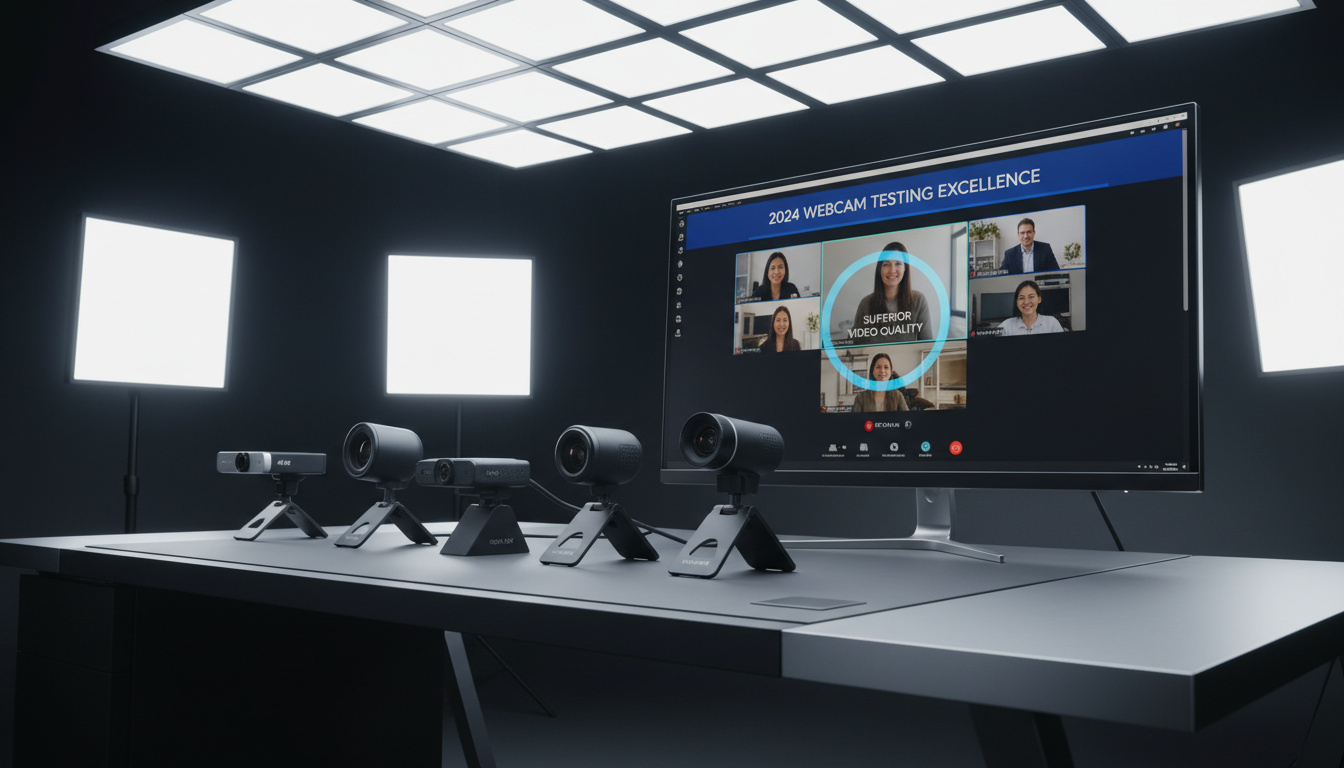
The shift to remote work has transformed video conferencing from a niche tool into daily infrastructure. While laptop manufacturers have incrementally improved built-in cameras, dedicated webcams remain the benchmark for professional video quality on platforms like Zoom. Recent testing indicates that Logitech continues to dominate this category, with specific models offering distinct advantages for different lighting conditions, budgets, and use cases.
The current generation of webcams balances resolution, frame rate, and sensor size against USB bandwidth constraints. Models like the Logitech Brio deliver 4K resolution for demanding professionals, while the aging but capable C920 maintains relevance through superior value. Understanding these trade-offs requires examining how each device handles the specific demands of video conferencing software.
What Is the Best Webcam for Zoom?
The Logitech Brio consistently ranks as the top performer in head-to-head comparisons for Zoom users seeking premium quality. Testing by StreamTechReviews demonstrates its superiority in moderate lighting and field of view against competitors like the StreamCam and C920. The device captures 4K video at 30 frames per second or 1080p at 60fps, utilizing a 90-degree field of view that accommodates multiple participants or whiteboard presentations.
Logitech Brio
4K/1080p • $150-167
Logitech C920
1080p/30fps • $60-80
Logitech Brio 500
1080p • ~$130
Logitech StreamCam
1080p/60fps • $130-150
Critical Specifications for Video Calls
- 1080p resolution remains the practical minimum for professional appearances
- 4K sensors provide digital zoom flexibility without quality loss during compression
- 90-degree fields of view reduce the cramped “tunnel” effect of standard laptop cameras
- Autofocus responsiveness varies significantly between models
- USB-C connections offer better power delivery than USB 2.0 alternatives
- IR sensors enable Windows Hello facial recognition on select units
- Software tuning capabilities determine low-light performance more than raw specs
| Model | Resolution | Frame Rate | Price (2024) | Field of View | Primary Strength |
|---|---|---|---|---|---|
| Logitech Brio | 4K/1080p | 30/60fps | $150-167 | 90° | Low-light performance |
| Logitech StreamCam | 1080p | 60fps | $130-150 | 78° | Color accuracy |
| Logitech C920 | 1080p | 30fps | $60-80 | 78° | Budget low-light |
| Logitech C922x | 1080p | 60fps | ~$80 | 78° | Smooth motion |
| Logitech Brio 500 | 1080p | 30fps | ~$130 | 90° | Out-of-box quality |
What Webcam Do I Need for Zoom?
Selecting the appropriate hardware depends on your physical environment and professional requirements. Video analysis confirms that resolution matters less than sensor quality and lens optics for typical Zoom calls compressed to 1080p or lower during transmission.
Resolution and Frame Rate Requirements
While 4K capabilities future-proof your setup, 1080p at 30fps satisfies most professional Zoom calls. The Logitech Brio 500 demonstrates that 1080p sensors with excellent auto-white balance often outperform poorly tuned 4K alternatives. For fitness instructors or demonstrators, 60fps options like the StreamCam or C922x provide smoother motion capture during rapid movements.
Field of View and Positioning
Standard laptop webcams typically offer 60-70 degree fields of view, creating claustrophobic framing. The 90-degree FOV found on the Brio and Brio 500 allows users to position the camera farther back while maintaining context, reducing facial distortion and providing more natural personal space during conversations.
All tested models require brightness tuning around 100, contrast at 130, and sharpness at 130 for optimal low-light performance. The Brio and C920 handle dim conditions better than the StreamCam, which produces grainy, desaturated images without adequate ambient light.
What Is the Best Cheap Webcam for Zoom?
Budget-conscious professionals need not sacrifice quality. The Logitech C920 maintains its position as the definitive budget pick despite its age, offering reliable 1080p/30fps performance at $60-80.
Logitech C920 Resilience
Though darkest in daylight conditions among tested models, the C920 adjusts well to low light without excessive noise. Its autofocus system remains dependable for static desk setups, avoiding the focus-hunting issues that plague the StreamCam during workouts or demonstrations.
C922 Upgrade Path
The C922x adds 60fps capability for approximately $20 more, delivering smoother video motion. However, testing reveals slightly paler skin tones compared to the C920, correctable through the Logitech Capture app. For users prioritizing fluid motion over color accuracy, the upgrade delivers marginal but noticeable improvements.
When evaluating budget options against premium alternatives, consider the Kmart Food Processor – Best Picks Prices Reviews approach: sometimes mid-tier specifications provide sufficient utility without premium pricing.
Are Logitech Webcams Good for Zoom?
Logitech’s dominance in the webcam market stems from software integration rather than hardware alone. The ecosystem of Logi Tune and Logitech Capture provides granular control over exposure, white balance (~5500K), and auto-framing that generic competitors lack.
Model Comparisons
The Brio leads in autofocus speed and skin tone reproduction, critical for professional calls. However, comparative footage shows the StreamCam occasionally matching or exceeding the Brio’s 1080p output in ideal lighting conditions, despite lacking 4K capability. The StreamCam’s USB-C connection offers theoretical advantages, though its autofocus unreliability for dynamic shots limits versatility.
Software Integration
Logitech’s tuning applications support all featured models, allowing users to optimize settings for specific Zoom lighting conditions. This software layer transforms adequate hardware into professional tools, particularly for the C920 and C922x when properly configured.
Only the Logitech Brio features an IR sensor supporting Windows Hello facial recognition. This biometric capability adds security convenience but commands a $40-50 premium over 1080p alternatives.
The StreamCam exhibits inconsistent autofocus behavior during dynamic movement, making it unsuitable for fitness instruction or active demonstrations despite its superior color reproduction in static, well-lit environments.
How Have Zoom Webcam Standards Evolved Since 2020?
The pandemic-era remote work shift established new baseline expectations for video quality.
- : 720p webcams dominated; USB 2.0 standard; basic auto-exposure
- : 1080p became the professional minimum; HDR processing introduced
- : USB-C connections proliferated; 60fps options entered mid-range market
- : Auto-framing and AI background blur via software gained prominence
- : 4K options stabilized under $170; 90-degree FOV became standard for premium models
What Do We Know About Zoom Webcam Compatibility?
Understanding technical requirements prevents costly mismatches.
| Established Capabilities | Uncertain or Unverified |
|---|---|
| All reviewed models connect via standard USB protocols compatible with Zoom on Windows and macOS | Wireless webcam performance specifically optimized for Zoom remains undocumented |
| The platform supports external webcams natively, requiring no additional drivers beyond standard UVC protocols | Mac-specific thermal throttling impacts on external webcam quality lack comprehensive data |
| Logitech models receive optimization priority in most video conferencing software | AI-driven background blur processing requirements vary by chipset, creating uncertainty for older machines |
Tom’s Hardware confirms that Logitech models specifically receive optimization priority in most video conferencing software.
Why Do These Specific Models Excel for Video Calls?
Professional Zoom usage demands specific optical characteristics distinct from streaming or content creation. Rapid, accurate autofocus prevents the distraction of lens hunting during conversations. Wide dynamic range handles window backlighting common in home offices. The 90-degree field of view found on the Brio and Brio 500 accommodates shoulder-room framing that makes speakers appear natural rather than claustrophobic.
Tom’s Guide evaluations emphasize that practical reliability outweighs specification sheets for daily video conferencing use.
What Do Expert Reviews Conclude?
Technical evaluations emphasize consistent performance over peak specifications.
The Brio produces superior skin tones and smoothness specifically for professional Zoom calls, with autofocus significantly faster than the StreamCam’s hunting behavior.
— StreamTechReviews Analysis
The Brio 500 represents the best intersection of price, performance, and out-of-box usability for typical users, often beating 4K options in practical Zoom scenarios.
— Tom’s Hardware
Further insights on hardware evaluation methodologies can be found in the Jaguar F-Pace – 2024 Price Specs MPG Reliability analysis, which applies similar testing rigor to technical equipment assessments.
Which Webcam Should You Buy for Zoom?
Decision trees simplify based on budget constraints and technical requirements. Users prioritizing absolute image quality and Windows Hello support should invest in the Logitech Brio. Budget-constrained professionals will find the C920 sufficient through 2024 and beyond. Those seeking the optimal price-performance balance should consider the Brio 500, which delivers 90-degree framing and superior auto-exposure without 4K overhead.
Frequently Asked Questions
Best webcam for Zoom low light?
The Logitech Brio or C920 handle dim conditions best. The Brio requires tuning (brightness 100, contrast 130) but maintains clarity; the C920 adjusts automatically with less noise than competitors.
Which 4K webcam is best for Zoom?
The Logitech Brio remains the only tested 4K option specifically optimized for Zoom, offering 4K/30fps or 1080p/60fps with 90-degree FOV and Windows Hello support at $150-167.
Do Zoom meetings require a webcam?
No. Zoom functions without a webcam using audio-only participation or screen sharing. However, video transmission requires a camera—either built-in or external USB.
Wireless webcam for Zoom?
Current research includes no tested wireless webcams. All recommended models use wired USB-A or USB-C connections for stability.
Is the Logitech C920 still good for Zoom in 2024?
Yes. Despite its age, the C920 delivers competitive 1080p quality with reliable low-light adjustment, outperforming many newer budget models when properly lit.
Logitech C920 vs C922 for Zoom?
The C920 offers slightly better color accuracy; the C922 provides smoother 60fps motion. Choose the C922 for active demonstrations, the C920 for static professional calls.
Does Zoom support 4K webcams?
Zoom supports 4K input, though actual transmission quality depends on bandwidth and plan limitations. The Brio’s 4K sensor primarily benefits digital zoom flexibility.
Related stories




Liam O'Brien covers Australian politics and public affairs for Australia Current.